2025 How to Choose the Best Android Tablet for Your Needs
When it comes to selecting the best Android tablet for your needs, the myriad of options available can be overwhelming. The Android tablet market has grown rapidly, offering a wide range of features, sizes, and prices to cater to different user preferences. Whether you are a casual user looking for entertainment, a student needing a reliable device for study, or a professional seeking efficiency, understanding your specific requirements is crucial in making an informed decision.
In this guide, we will explore essential factors to consider when choosing an Android tablet. Key aspects such as display quality, battery life, processing power, and storage capacity play significant roles in your overall experience. Furthermore, the operating system version and the availability of essential applications can impact usability, ensuring that your investment meets your expectations now and in the future.
By assessing your individual needs and priorities, you can find an Android tablet that enhances your lifestyle, whether it’s for work, play, or learning. With the right information at your fingertips, navigating the diverse landscape of Android tablets becomes a straightforward endeavor that leads you to the perfect digital companion.

Understanding Your Requirements: Essential Features in an Android Tablet
When selecting the best Android tablet for your needs, it’s crucial to understand the essential features that will enhance your user experience. Start by identifying the primary tasks you plan to perform on the tablet, whether it’s for work, entertainment, or creative endeavors. A good display size and resolution are essential for visual clarity, especially if you will be watching videos or doing graphic design work. Look for tablets with at least Full HD resolution to ensure a crisp and vibrant display.
Battery life is another critical factor. Depending on how you intend to use your tablet, you may want a device that can last a full day on a single charge—particularly for those who travel or work remotely. Opt for a tablet with advanced battery management features to help prolong usage.
**Tips:**
1. Consider a device with expandable storage options if you plan to store a lot of apps, documents, or media. This way, you won't be limited by internal storage capacity.
2. Check for compatibility with various accessories like styluses or keyboards, if you plan to use your tablet for productivity or creative tasks. Being able to enhance functionality with add-ons can significantly impact your workflow.
By keeping these features in mind, you can make an informed decision that aligns with your requirements, ensuring that your Android tablet serves you well for years to come.
2025 How to Choose the Best Android Tablet for Your Needs - Understanding Your Requirements: Essential Features in an Android Tablet
| Feature |
Importance |
Recommended Range |
| Screen Size |
High |
8 to 13 inches |
| Battery Life |
High |
8 to 12 hours |
| Processor Speed |
Medium |
2.0 GHz and above |
| Storage Capacity |
High |
64 GB to 512 GB |
| Camera Quality |
Medium |
8 MP Front, 13 MP Rear |
| Operating System |
High |
Latest Android version |
| Weight |
Low |
Under 1.5 lbs |
| Stylus Support |
Medium |
Optional |
Analyzing Performance Metrics: RAM and Processor Speed Considerations
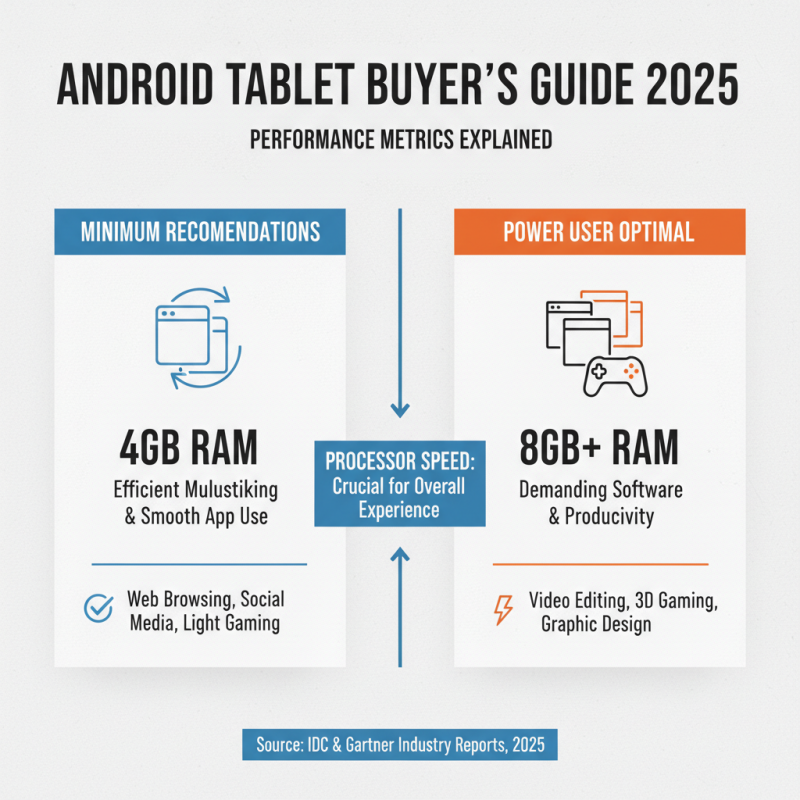
When selecting the best Android tablet to meet your needs in 2025, performance metrics—particularly RAM and processor speed—play a crucial role in the overall user experience. According to recent industry reports from research firms, such as IDC and Gartner, tablets with a minimum of 4GB RAM are recommended for efficient multitasking and smooth rendering of modern applications. In contrast, tablets equipped with 8GB or more RAM are optimal for power users who run demanding software for productivity, gaming, or entertainment.
Processor speed also significantly affects how well a tablet performs tasks. Data from analysts suggest that devices utilizing processors with at least 2.0 GHz clock speed provide a noticeable difference in performance, especially when switching between applications or running resource-intensive programs. Furthermore, the number of cores in a processor can enhance performance; tablets with quad-core or hexa-core processors tend to handle multitasking much more effectively than those with dual-core options. As more applications are designed to leverage multiple cores, choosing a tablet with a robust processor will ensure longevity and responsiveness in your device. Overall, when considering RAM and processor speed, balancing these features according to individual usage patterns is essential for getting the most out of your Android tablet.
Evaluating Display Quality: Resolution and Screen Size Importance
When choosing an Android tablet, evaluating display quality is crucial as it significantly impacts your overall user experience. Two key factors to consider are resolution and screen size. A higher resolution provides sharper images and finer details, which is essential for activities like reading, gaming, and watching videos. For instance, a resolution of at least 1920x1200 pixels is recommended for clear visuals. Additionally, consider the screen size; larger screens can enhance multitasking capabilities and are ideal for media consumption, whereas smaller screens may be more portable and easier to handle.
Tips: When deciding on screen size, think about how you primarily intend to use the tablet. If you plan to use it for productivity or watching movies, opt for a larger display. Conversely, if portability is your priority, a compact tablet might be more suitable.
Beyond resolution and size, also pay attention to panel technology. IPS screens generally offer better color accuracy and wider viewing angles compared to standard LED displays. This can enhance your experience whether you're browsing photos or watching your favorite shows.
Tips: Always try to view the tablet in person if possible. Check for brightness levels and color vibrancy in various lighting conditions to ensure the display meets your preferences.
Battery Life Assessment: Average Usage vs. Manufacturer Claims
When selecting an Android tablet, one crucial factor to consider is battery life. Often, manufacturers will provide optimistic claims about battery duration, typically based on ideal conditions. However, real-world usage can vary significantly due to factors like screen brightness, app usage, and connectivity options. Therefore, it's important to assess how the tablet performs under average conditions.
To effectively evaluate the battery life of a tablet, first examine user reviews and independent tests that reflect typical usage scenarios. Look for feedback on battery drain during various activities such as streaming videos, browsing the web, or playing games. This firsthand insight can offer a more accurate depiction of how long the tablet will last during your daily use.
Here are some tips to extend your tablet's battery life:
- Reduce screen brightness and enable battery saver modes when not in active use.
- Regularly close unused applications running in the background, as they can consume power unnecessarily.
- Lastly, turning off location services and Bluetooth when they're not needed can significantly help in prolonging battery performance throughout the day.
Budgeting for Your Tablet: Price Ranges and Value for Money
When budgeting for an Android tablet, it's essential to understand the different price ranges available in the market and what they offer.
Generally, tablets can be categorized into three primary price segments: budget, mid-range, and premium.
Budget tablets are typically priced under $200, making them accessible for casual users who primarily need a device for browsing, streaming, and light productivity.
While they may lack advanced features, many offer decent performance for basic tasks and are perfect for students or anyone seeking an affordable option.
Mid-range tablets, priced between $200 and $500, provide a balance of performance and features. These devices often come with
higher resolution displays, better processors, and increased storage capacities, making them suitable for more demanding applications such as gaming or multitasking.
Consumers in this range should consider how these additional features align with their usage patterns to ensure they are getting the best value for their money.
For those who require advanced functionality and are willing to invest more, premium tablets usually start around $500
and can exceed $1,000. These devices often include superior processing power, exceptional display quality, and advanced software capabilities.
The higher price point is justified by the enhanced user experience and additional features such as stylus support and keyboard compatibility.
Careful consideration of how these features will be utilized can help justify the investment, ensuring that the tablet meets both current and future needs.

 AT-10A
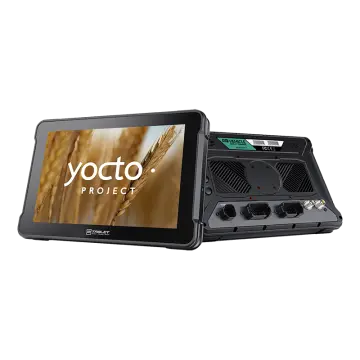 AT-10AL
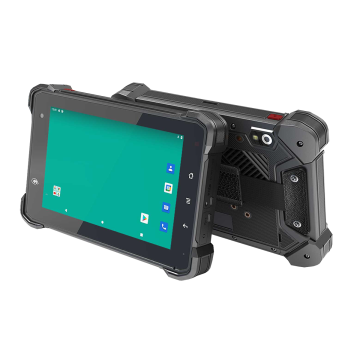 VT-7 GA/GE
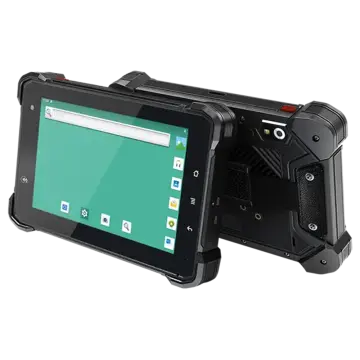 VT-7 Pro
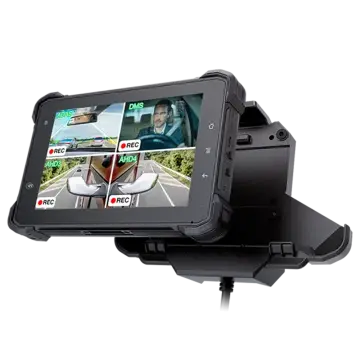 VT-7 PRO (AHD)
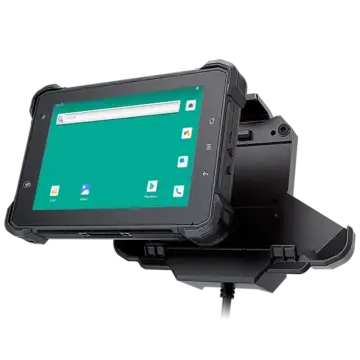 VT-7A
VT-7A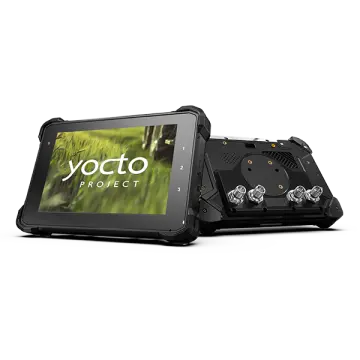 VT-7AL
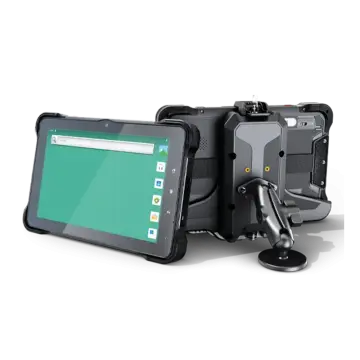 VT-10
VT-10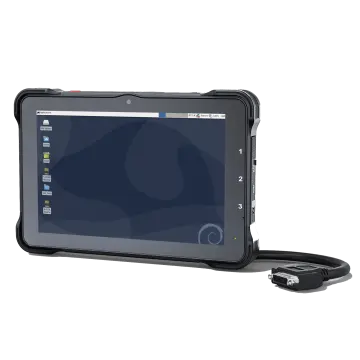 VT-10 IMX
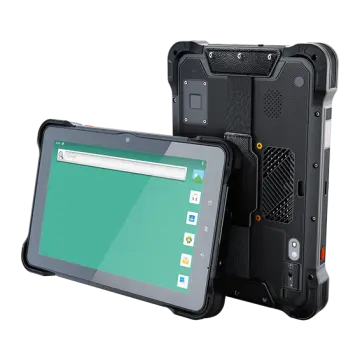 VT-10 Pro
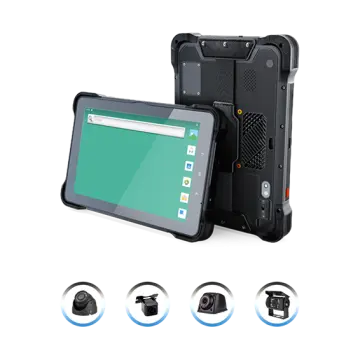 VT-10 Pro AHD
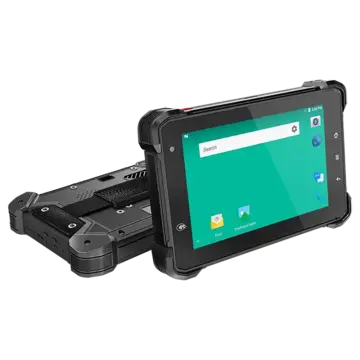 VT-7
VT-7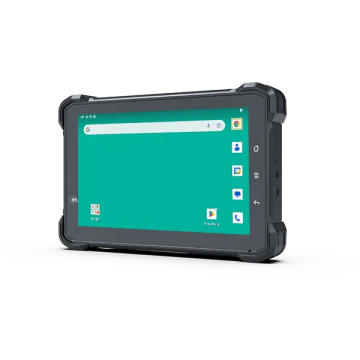 VT-7A PRO
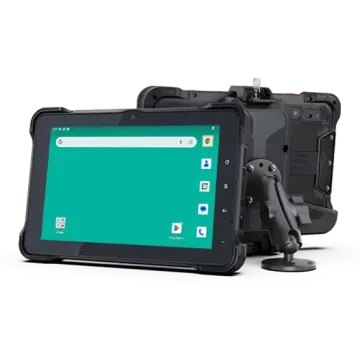 VT-10A Pro
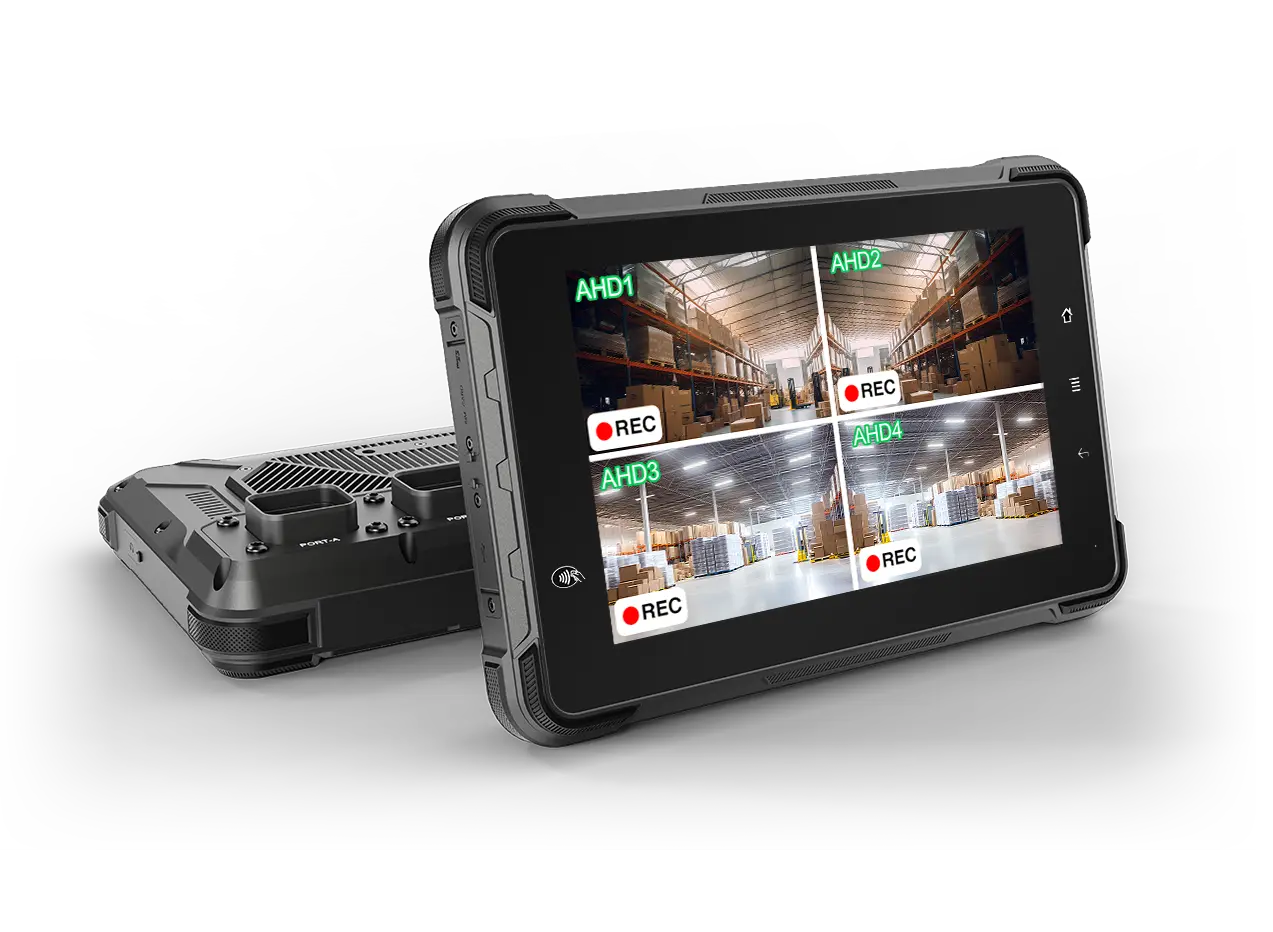 ST-7 Rugged Table
 VT-5A
VT-5A VT-5
VT-5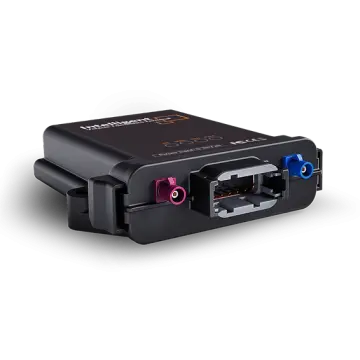 VT-BOX
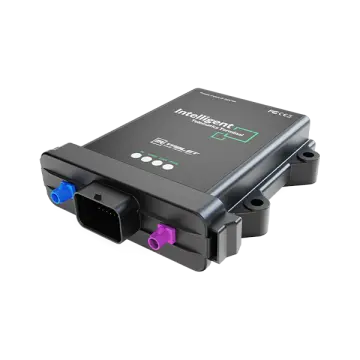 VT-BOX-II
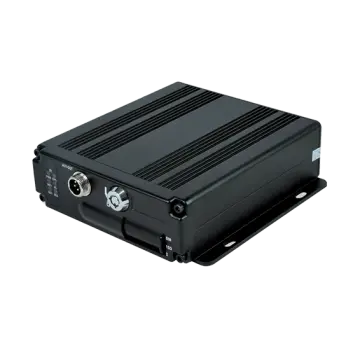 AI-MDVR040
 AT-B2
AT-B2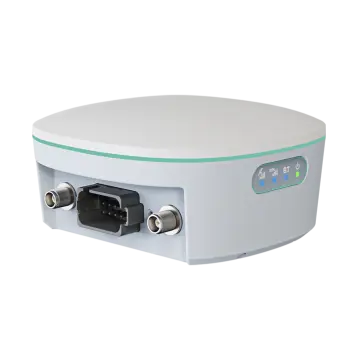 AT-R2
AT-R2